You can access details of ID cards for learners by selecting the Security Details tab in the left-hand pane if your institution uses an ID card system (that is: for building access, photocopying, and so on).
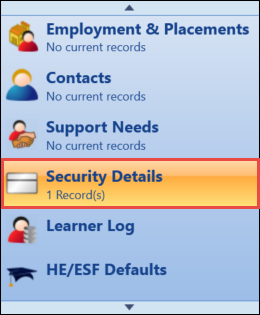
This will open the Security Details tab, with any existing ID card records displayed in the grid.
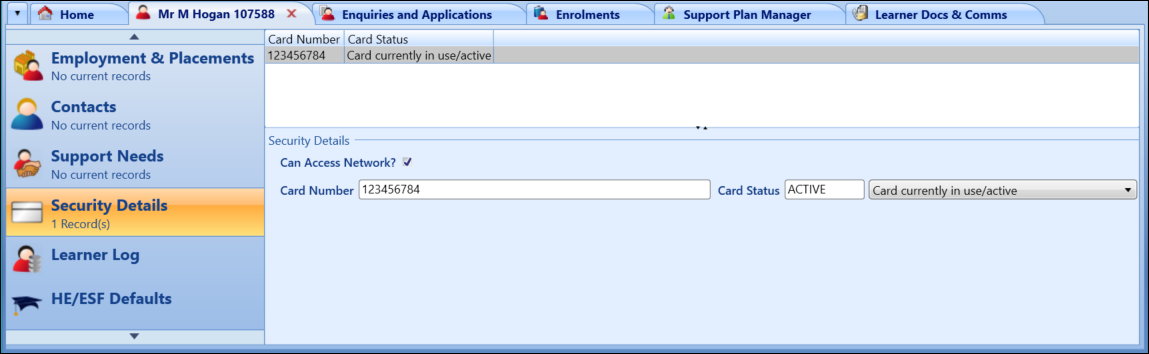
From the Security Details tab, you can:
 Add learner ID cards
To add an ID card record:
-
Select the Add ID Card button on the Learner ribbon.

-
Enter the required details for the ID card in the Security Details section.

The fields in the Security Details section are described in the following table.
| This field | Holds this information... |
|---|---|
| Can Access Network? | Whether the ID card can be used to access the network. |
| Card Number |
The ID card number. Important.This number can be up to 50 characters in length.
|
| Card Status |
The ID card status. Select one of the following:
|
-
Select Save .
The ID card record is added.
Delete learner ID cards
To delete an ID card record:
- Select the required ID card record in the grid.
-
Select the Delete ID Card button on the Learner ribbon.

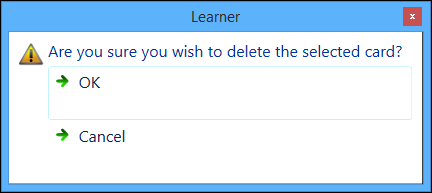
A message is displayed.
-
Select OK to delete the selected record.
The ID card record is deleted.